01
Select your image
Start with the photo or graphic you want to improve. Upload a low-resolution image and prepare it for enhancement in one click.

Restore sharpness, recover texture, and upscale every image with a focused desktop app. No API keys or complicated setup.
Drag to reveal the detail

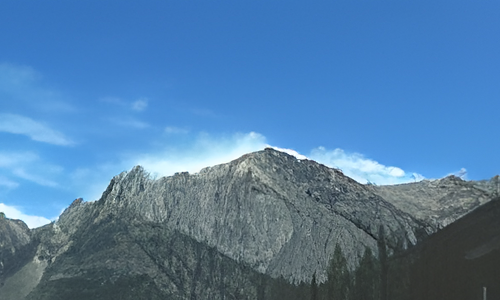
One focused desktop workflow—from selecting an image to exporting the enhanced result.
Elmony Upscale
A simple workflow made for creators, ecommerce teams, photographers, and designers.
Start with the photo or graphic you want to improve. Upload a low-resolution image and prepare it for enhancement in one click.
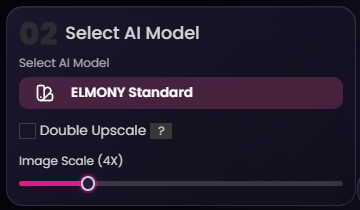
Pick the upscale model that matches your use case. Adjust the scale settings and decide how aggressively you want the image improved.
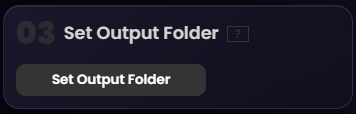
Choose where the enhanced file should be saved. This keeps exports organized and makes batch processing easier when you upscale multiple assets.
Launch the enhancement and let Elmony recover sharpness, clarity, and detail. Your final image is saved ready for download or delivery.

Start small with monthly access or make one payment and keep Upscale for life.
Recurring access for users who want the lowest entry price.
One payment for permanent access to Elmony Upscale.
No. Elmony Upscale works without bringing your own API key.
Yes. The lifetime plan is paid once and gives permanent access to Elmony Upscale and updates.
The bundle includes both Elmony Vibecode and Elmony Upscale in a single purchase.
Build the product with Vibecode, then create crisp production-ready visuals with Upscale.

Build and publish real apps with AI.
 Current
Enhance and upscale images with AI.
Choose monthly access or own Elmony Upscale for life.
Get Elmony Upscale